Founder note
Why Iron Fork?
Why Iron Fork? There are plenty of AI calorie tracking apps out there already.
I know, because I tried too many of them, and I abandoned every single one. Too much friction. Several minutes and several screens of onboarding questions before you can even log a single meal, and an account wall before you can even look around.
It would have been much easier to find one that worked for me, but I did not. So I built it myself.
Iron Fork opens ready to use: no account, fully usable without answering any questions. Daily targets are one optional step that takes about 30 seconds, now or whenever you want.
And it is not only onboarding. Even logging a meal is usually overloaded. Every app I tried presents you with a ton of options: log via text, log via photo, log via AI, scan barcode. It is frustrating and overwhelming.
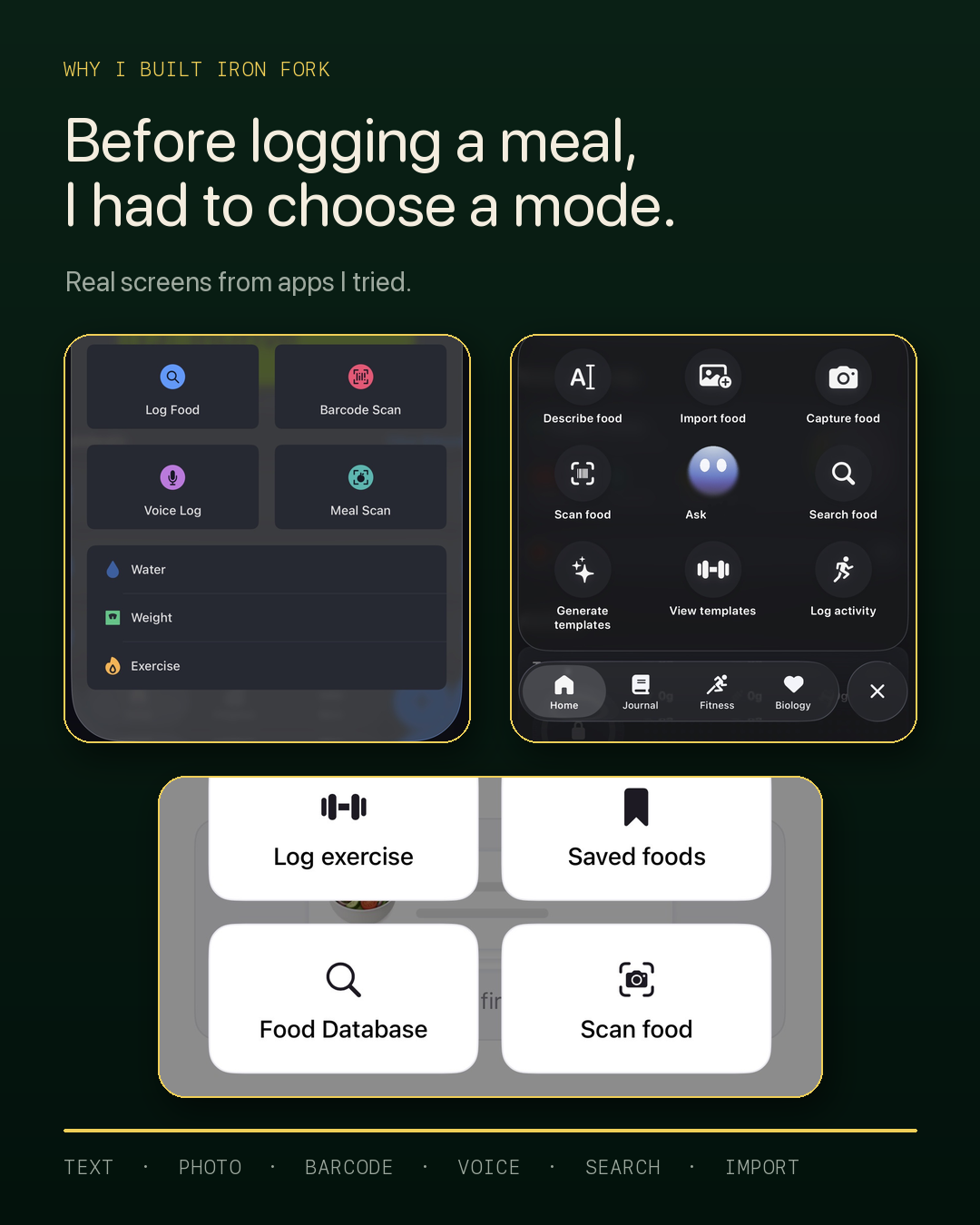
Iron Fork takes the opposite path. Want to log? Type, photograph, or, soon, dictate, all in one clear view. You never have to pick a mode first. You just log.
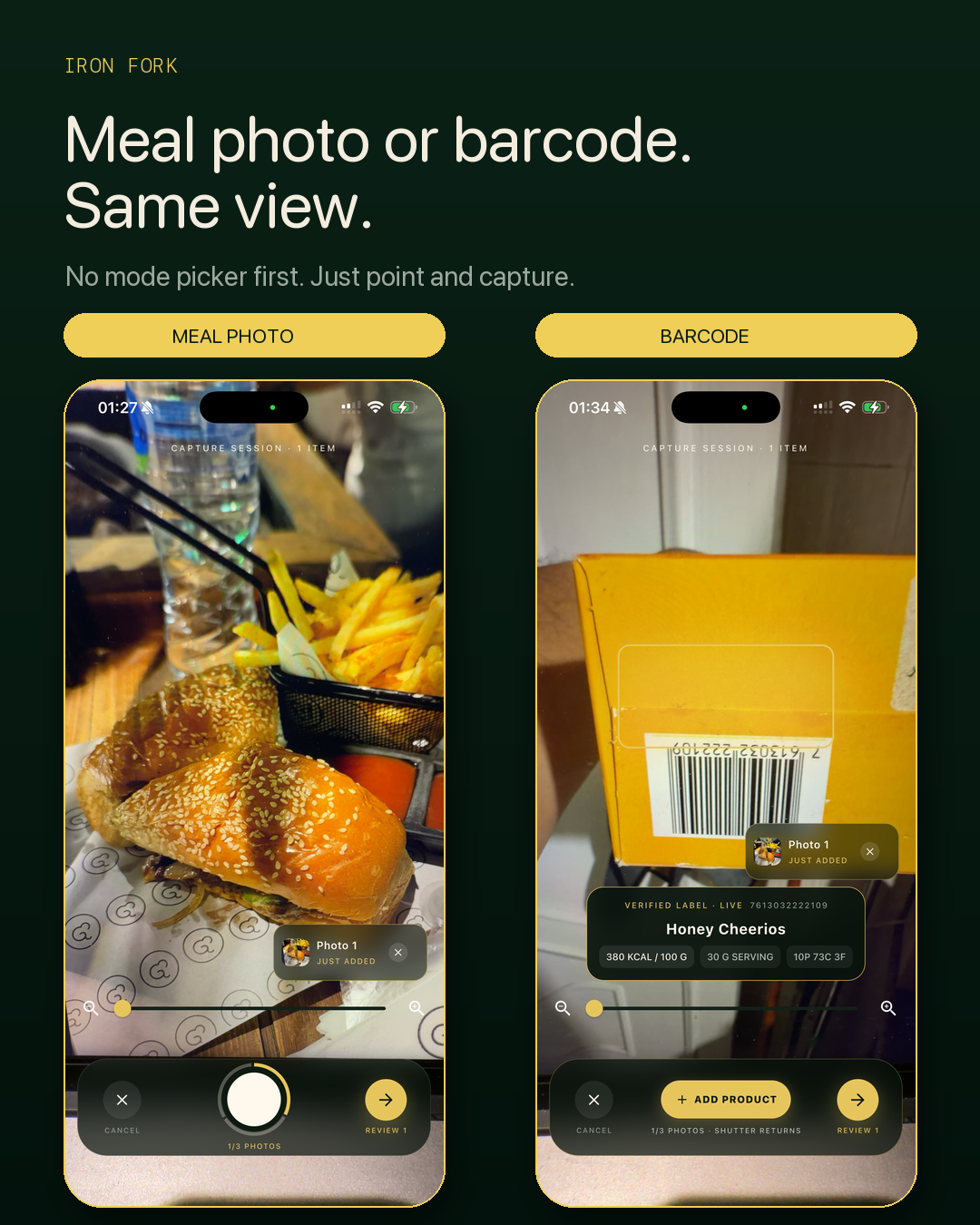
Using the camera? Point it at a barcode and you get the product's verified numbers. Point it at the nutrition label, or just at your plate, and the AI reads what it sees. You never tell it which one you are doing. It figures that out.
My favorite trick, if you need even more accuracy: put your food on a kitchen scale and point the camera at it. It reads the food and the number on the display, so the weighed portion is measured, not guessed. I even build meals in layers: weigh one ingredient, snap, add the next, snap again, and it works out each addition.
This is not accidental. I know mobile apps. I know user experience. I know human-computer interaction. Literally, my master's is in HCI. I have always cared about making software feel good for the person using it, not for the dashboard measuring it.
Now I am my own first customer, so that same obsession is pointed at one thing: helping people reach their goals with the least friction possible.
The best UX is the one you do not notice. It does not ask for attention. It gets out of the way, does the job, and lets you keep moving. That is the UX bar I am building Iron Fork against.
Two pillars have driven everything since.
1. I am my own first customer
I have been my own first user since the beginning, and that shapes how the app evolves: around what someone actually trying to lose weight and get fit needs, not what someone in an ivory tower guesses users need.
I built it for myself, and now I am sharing it so I can adapt it to you too.
2. This was never only meal tracking
The Coach already suggests what to eat next based on what you have eaten, your remaining calories and macros, and how much time you have to cook. It shows its assumptions.
The direction is a coach and a buddy: one that guides your food choices today, and eventually one that helps with your training too.
You can also find Iron Fork as @getIronFork on Instagram, TikTok, and X.
Private beta
Want to try it?
We’re onboarding testers in small waves. Grab a seat and help shape Iron Fork before it hits the stores.
Request beta access →